
How to Take Photos of a Friend on a Walk
To take photos of a friend on a walk, you can start with a few steps toward the camera and a pause beside the path. These ideas help you choose where to stand, what to include, and when to take the picture.
A walk after class or on a day off gives you room to try a few photos between the things you want to talk about. You can use your phone and a route you already know. There is room for a full face, a look toward the trees, or a view that keeps more of the path in the frame. Your friend gets a say in each picture, including which ones you keep and share.
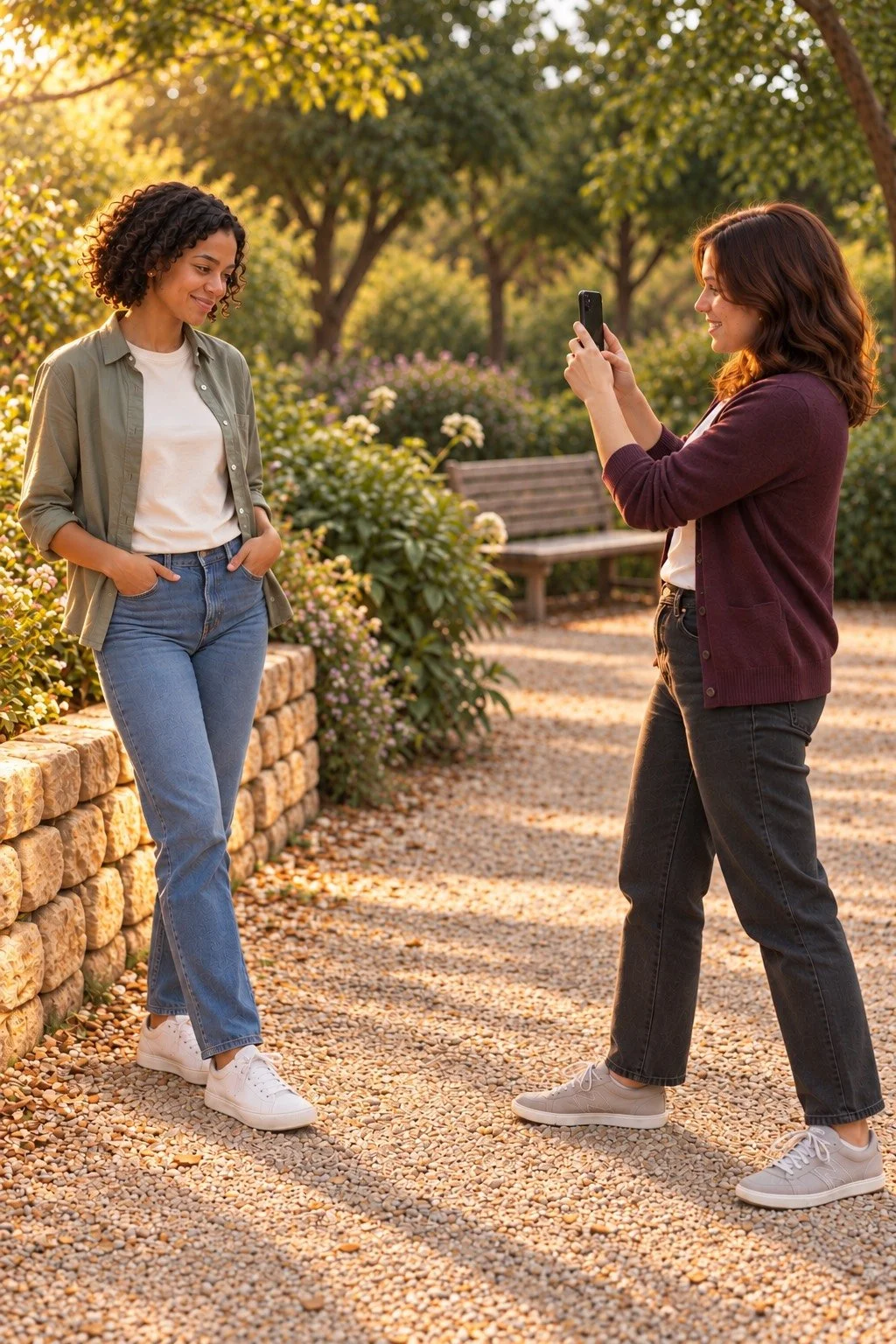
Choose a place where you can both stop
A clear place beside the path gives you room to take a photo while other people pass. You can look for a public bench, an open patch beside a walkway, or a spot where the path is wide.
Before you raise the phone, agree on where your friend will walk and where you will stand. Keep that small stretch clear. You can take the picture while standing still, then put the phone down before you move again. Choose a place that keeps both of you away from traffic, bikes, and edges.
Look at the space behind your friend too. A tree may frame the picture, while a sign at head height may pull your eye away. A small step to one side can change what lines up behind their face. You can check that on the screen together.
If you are fitting the walk between plans, choose a route that suits the time you have. These ideas for making time for friends during school can help with that part. The photo stops can stay short enough to leave room for the catch-up.
Take photos of a friend on a walk toward you
For a walking portrait, your friend can take a few steps toward you while you stay in one place. Start far enough apart to leave some path around them in the picture.
Hold the phone upright and check the whole frame. If you want a full-length photo, leave space above their head and below their shoes. Your friend can walk at their usual pace. Take a few pictures as they come closer, then lower the phone so you can look at them together.
Your friend can look at the phone lens for one picture and toward you between shots. If they prefer looking along the path, that works as another choice. Say which view you are trying before they start. A clear prompt gives both of you the same plan.
For a moving subject, some phones can take several pictures in a short burst. Apple's Burst mode guide for iPhone explains that option for supported models. Check your own phone's controls before the walk. You can also take a few single photos and choose one where the step and face look clear.
Pause beside the path for a side view

A pause beside the path gives you time to try a side view with more of the setting around your friend. They can stand at an angle and look toward something they choose.
You might include a tree, part of a bench, or the curve of the path. Keep the person large enough that their face still reads clearly on your phone. If the background takes over the picture, move closer from a safe place. Check the edges before you take the next shot.
Hands can stay where they feel natural. Your friend might rest an arm at their side or use a pocket if their clothes have one. There is no need to add a prop or a hand gesture. Ask what feels comfortable, then give them time to settle.
This view also works when someone would rather sit for a while. You can take a portrait from beside a public bench, with their feet on the ground and room for the path behind them. The walking idea can include a seat and a chat along the way.
Try a look back from a safe stopping point

For a look-back portrait, your friend can stop a short way along the path and turn their face toward your phone. You stay still while they choose how far to turn.
Check that the path is clear before you begin. Your friend can turn their shoulders a little if that feels more comfortable than looking over one shoulder. If either position feels strained, choose the side view instead. The photo can follow the way they want to stand.
If you want their eyes toward the camera, name the phone lens as the place to look. You can hold the phone where they can see it before you take the shot. That keeps the prompt clear when you are also talking from behind the screen.
Take a moment to check the expression together. Your friend may like a full smile, a small smile, or a picture taken as the conversation carries on. Keep the version they like. The point of the look back is to give you another view of the walk and the person you came with.
Try golden-hour light beside the path
Golden hour can give your walk portraits warm light and long shadows. Try the low sunlight before sunset, with time to finish your route before dark. The exact light depends on the weather and the place you choose.
Start with the sun to one side of your friend. Look for a patch of light near a tree, with space to stand clear of the path. A small turn can change which side of their face catches the sun. Ask them to look where they feel comfortable, then check the photo together.
If you put the sun behind your friend, you may see warm light along their hair. Tap their face on the screen and check its brightness before taking the picture. Keep some color and detail in the bright parts of the photo. You can move into nearby shade if the sunlight feels too strong.
On supported iPhones, you can tap a subject to set focus and adjust brightness. Apple's guide to iPhone camera tools shows the controls. Other phones may place those options elsewhere, so use the guide for your model when needed.
You can take these photos in soft daylight too. Choose the light that suits your plans, and keep enough time for the walk itself.
Leave room for the place you are walking through
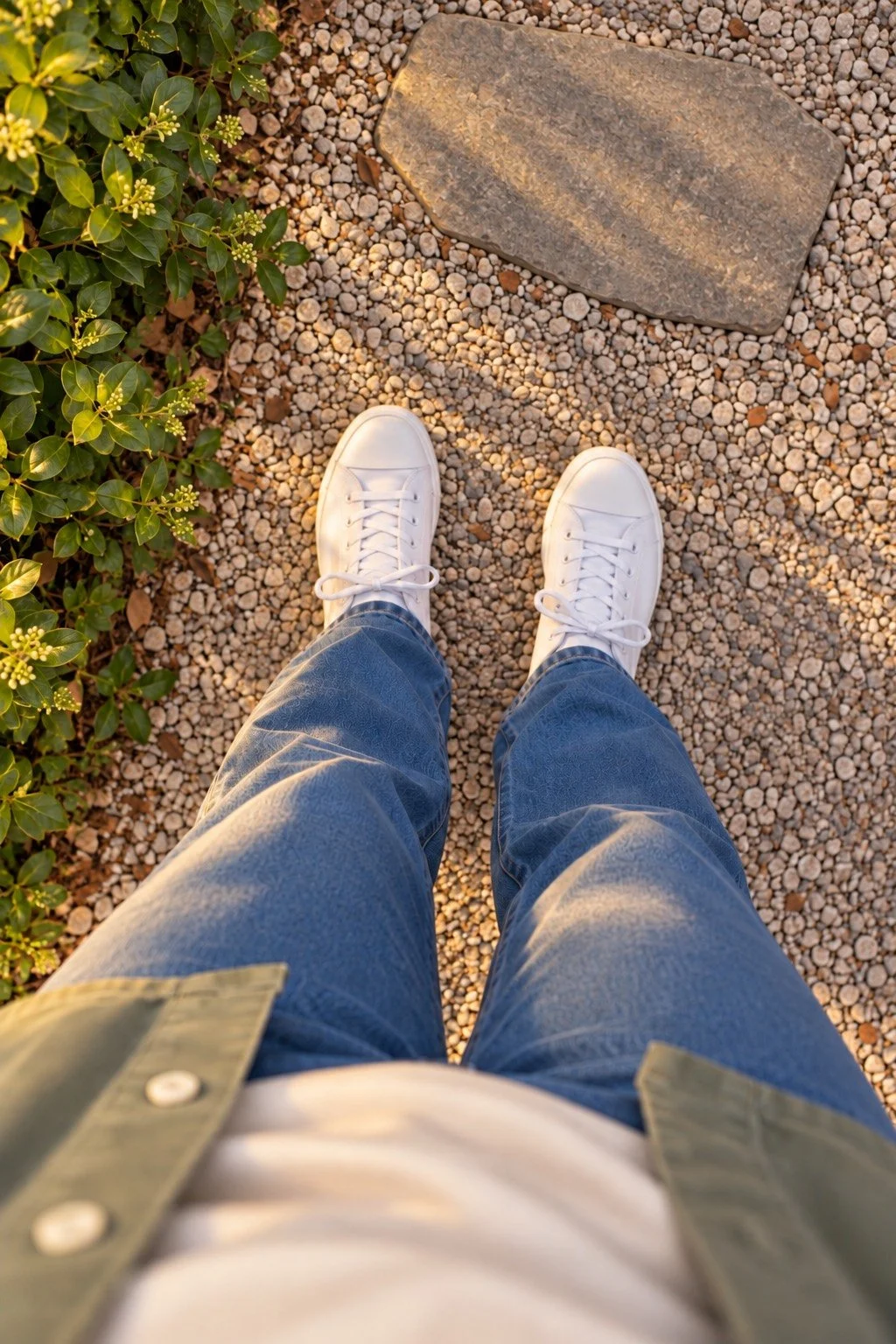
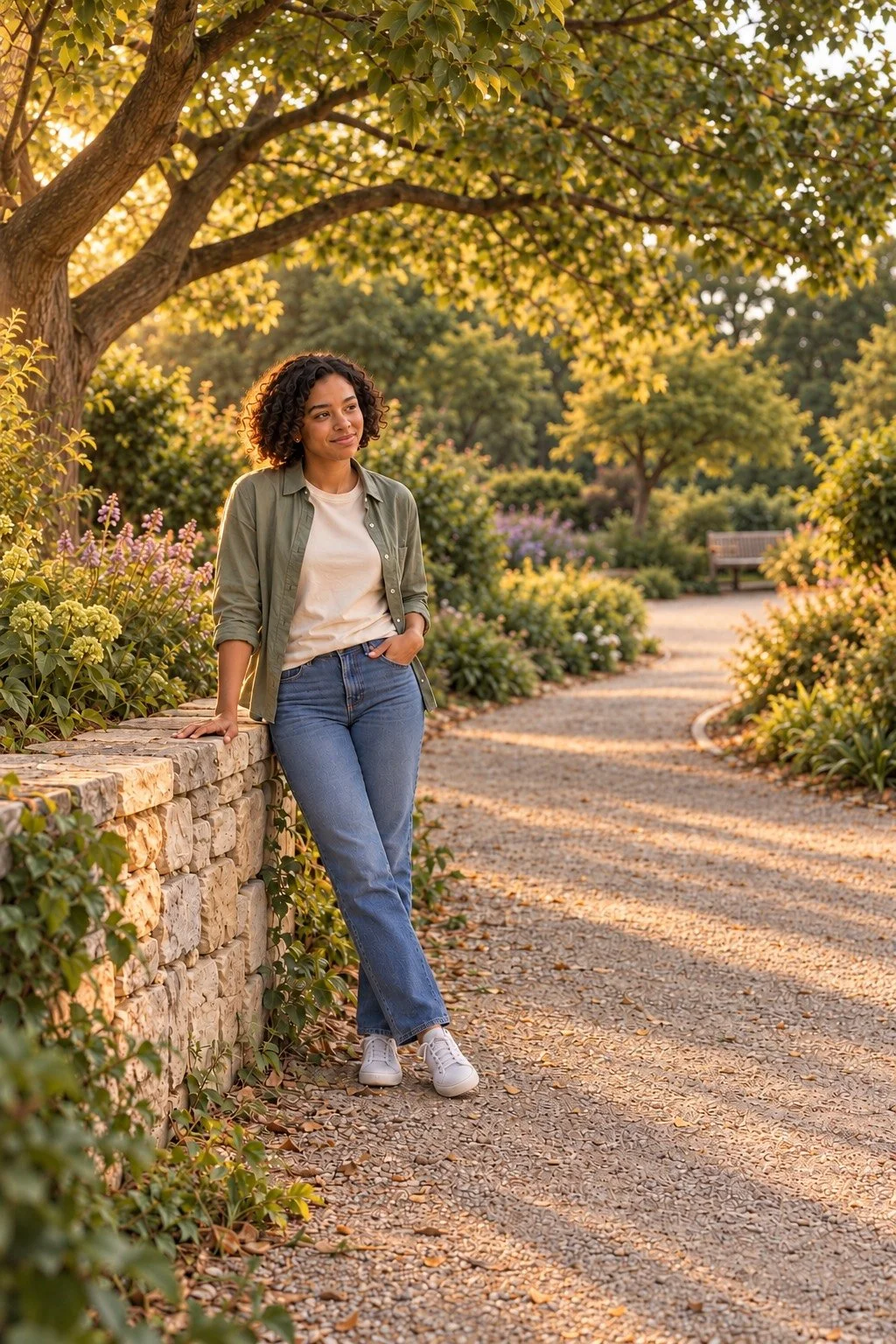
A wider portrait can include your friend and the place around them. Try leaving a stretch of path in the frame so you can see where the walk goes.
Hold the phone upright and look from corner to corner. You might include the branches above the path or a row of benches beside it. Keep enough space around your friend's head, hands, and feet for the picture you want. If you later crop the photo, check those edges again.
Choose the view from a place you can reach safely. You can change the frame by turning the phone a little or moving along the same side of the path. Stay on open routes and keep planted areas, private spaces, and other people out of the photo when needed.
If you are choosing an outing as well as taking pictures, nearby things to do with college friends offers more plans. A walk can be the whole hangout or part of an afternoon you already have in mind.
Take a turn on both sides of the phone

Taking turns gives each of you a chance to choose a photo you want. You can show your friend the view on the screen before swapping places.
Say what you liked about the first frame. Maybe you want the same amount of path around you, or you prefer a closer photo. A shared example can make that request clear. Your friend can also choose a different view when it is their turn to hold the phone.
Keep the pace open to both people. If one of you wants to try another shot, ask. If you are ready to keep walking, you can put the phone away and return to the conversation. The photos can fit into the time you already enjoy together.
For another day when you want company close to home, low-effort hangouts with friends has more ideas. You can keep this walk to the route and stops that work for you today.
Choose the photos together before sharing
Looking through the photos together gives your friend a say in what you keep and share. Ask before posting a picture that includes them, even if they agreed to have it taken.
You can each choose a few favorites from your own turn. Look at faces, the edges of the frame, and anything in the background that you prefer to leave private. If a picture includes someone passing by, choose another frame or keep that photo off your feed.
Send the agreed photos in the way you both prefer. A shared album may suit you, or you can send a few files in a message. Check what you are sending so each person gets the version you chose together.
A photo can stay between the two of you. You might keep one because of the smile, the path you take after class, or the way the trees looked that day. There is room for those pictures in your camera roll, even when the walk never becomes a post.
You might also like
Things to do with friends at home
Planning an afternoon day trip
