
How to Use a Camera for the First Time
Start with a charged battery, a memory card and one subject near a window. If you're learning how to use a camera for the first time, that gives you a place to try the buttons and see what each change does. A mug, a plant or the flowers on your desk can stay put while you work.
You can begin in Auto, take a few pictures and learn from what shows up on the screen. Then you can try a mode that lets you choose one setting. Your first photo session can happen at your kitchen table, with the camera manual open beside you (and the lens cap safely off).
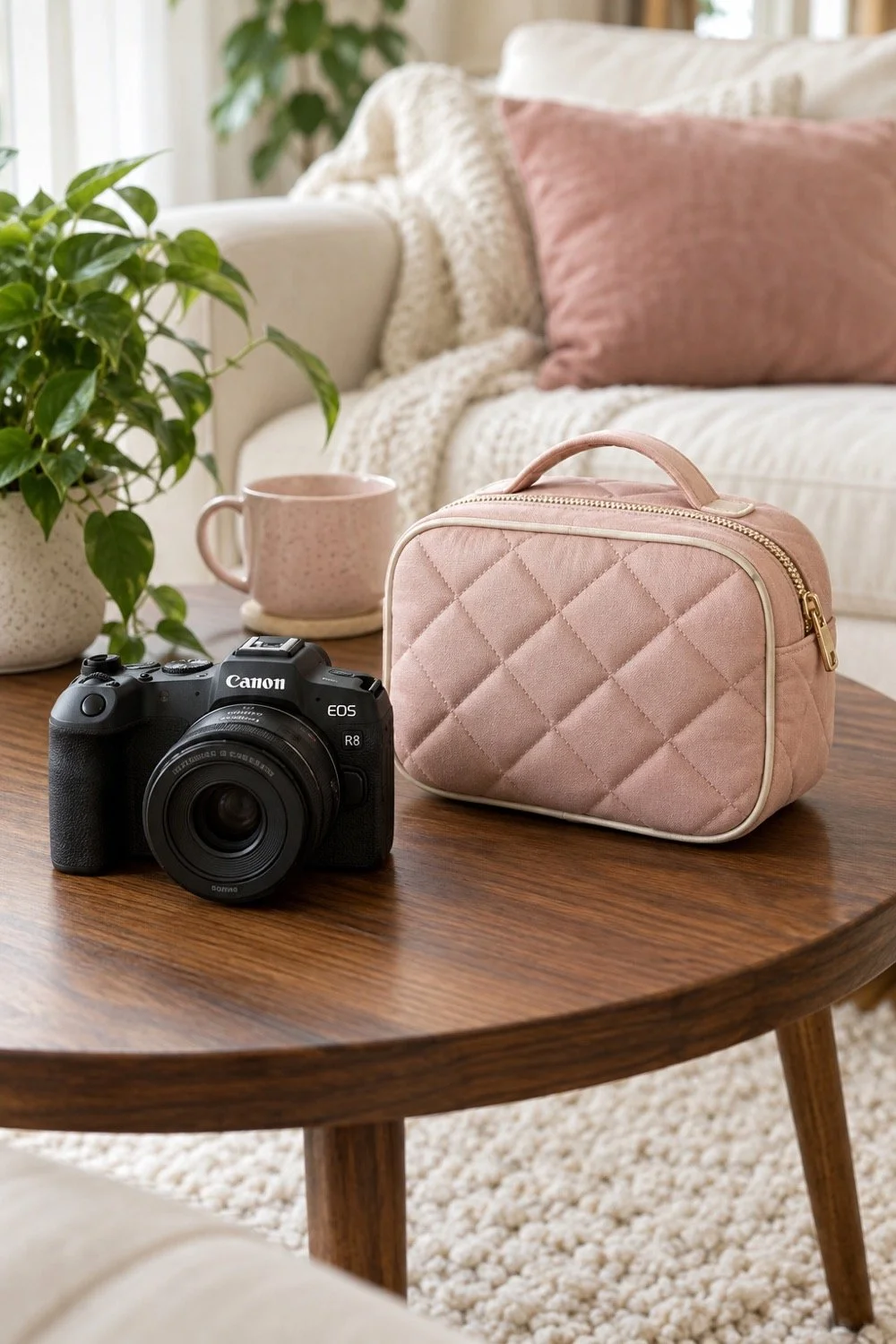
How to use a camera for the first time: get ready
Charge the battery, fit the lens and check the memory card before you head out. Follow your camera's manual for each step, since doors, locks and lens mounts vary. If you're borrowing a camera, ask the owner to show you how the lens attaches and where the card goes.
Check whether the card holds pictures someone wants to keep. Formatting a card removes its stored files, so save those first and get the owner's permission. An empty card you own gives you room to practice without sorting through someone else's photos.
Put the strap on before you lift the camera. Find the power switch, shutter button, playback button and lens cap. If the lens has a lock or a switch between auto and manual focus, check the manual so you know its current position.
Set the date and time while you're in the menus. That helps when you sort the pictures later. Take a photo of a nearby object, then press playback to confirm that the image saved. You now know that the camera, card and lens are working together.
Check the file format before your first session too. JPEG gives you files that many phones and computers can open. If you choose RAW, confirm that you have software that supports your camera's files. You can explore that format later, once you have a way to view and save it.
Take a first set of pictures in Auto
Auto mode lets the camera choose the main exposure settings while you work on where to stand and what to include. Look for the mode name in your manual. Some cameras use a green symbol, while others put the choice in a menu.
Place your subject where you can see it clearly. Turn it toward the room so you can stand between it and the window, a little to one side. Keep the camera secure in both hands and press the shutter gently.
Take a wide picture that shows the subject and its setting. Move a little closer for the next frame, then try a view from the side. Check the edges on the screen before each shot. This first set helps you see how your position changes the picture, even when the camera chooses the settings.
For an outdoor subject later, the existing guide to taking photos of a friend on a walk gives you ways to frame a person and the path around them. You can try the camera controls at home first, then bring those skills along.
Learn what aperture, shutter speed and ISO do
Aperture, shutter speed and ISO help control how your photo looks. Aperture is the size of the opening in the lens. Shutter speed controls how long light is recorded. ISO affects the camera's response to that light.
Aperture uses numbers such as f/2.8, f/4 and f/8. A lower f-number means a wider opening. It can help give you a smaller zone of sharp focus, though the lens, distance and other choices affect the result too. Canon's guide to aperture and depth of field shows how those choices work together.
Shutter speed is often shown as part of a second, such as 1/125 or 1/500. A faster speed records a shorter slice of movement. A slower speed can show movement as blur. Keep that in mind when your subject changes from a still flower to a friend walking toward you.
ISO is useful when the light gets lower and you want to keep your other settings. Higher ISO can make noise more visible, depending on the camera and the photo. You can leave it on Auto while you learn the other controls, then explore its range later.
Try Aperture Priority with one still subject
Aperture Priority lets you choose an f-number while the camera chooses a shutter speed for its metered exposure. Your camera may label this mode A or Av. Check its manual before switching, especially if the letters on the dial are new to you.
Use the same mug or plant for this experiment. Choose a low f-number your lens offers, focus on the front of the subject and take a picture. Then choose a higher f-number and take another from the same spot. Compare how much of the scene looks sharp.
Watch the shutter speed on the screen too. As you change aperture, the camera may choose a different speed. Canon's explanation of exposure settings helps explain why a slow speed calls for care when you're holding the camera.
Keep the subject and your position steady while you compare. If you move closer, turn toward the window and change the aperture all at once, you'll have several changes to sort out. One change per pair makes it easier to see which choice affected the picture.
Put the focus where you want people to look
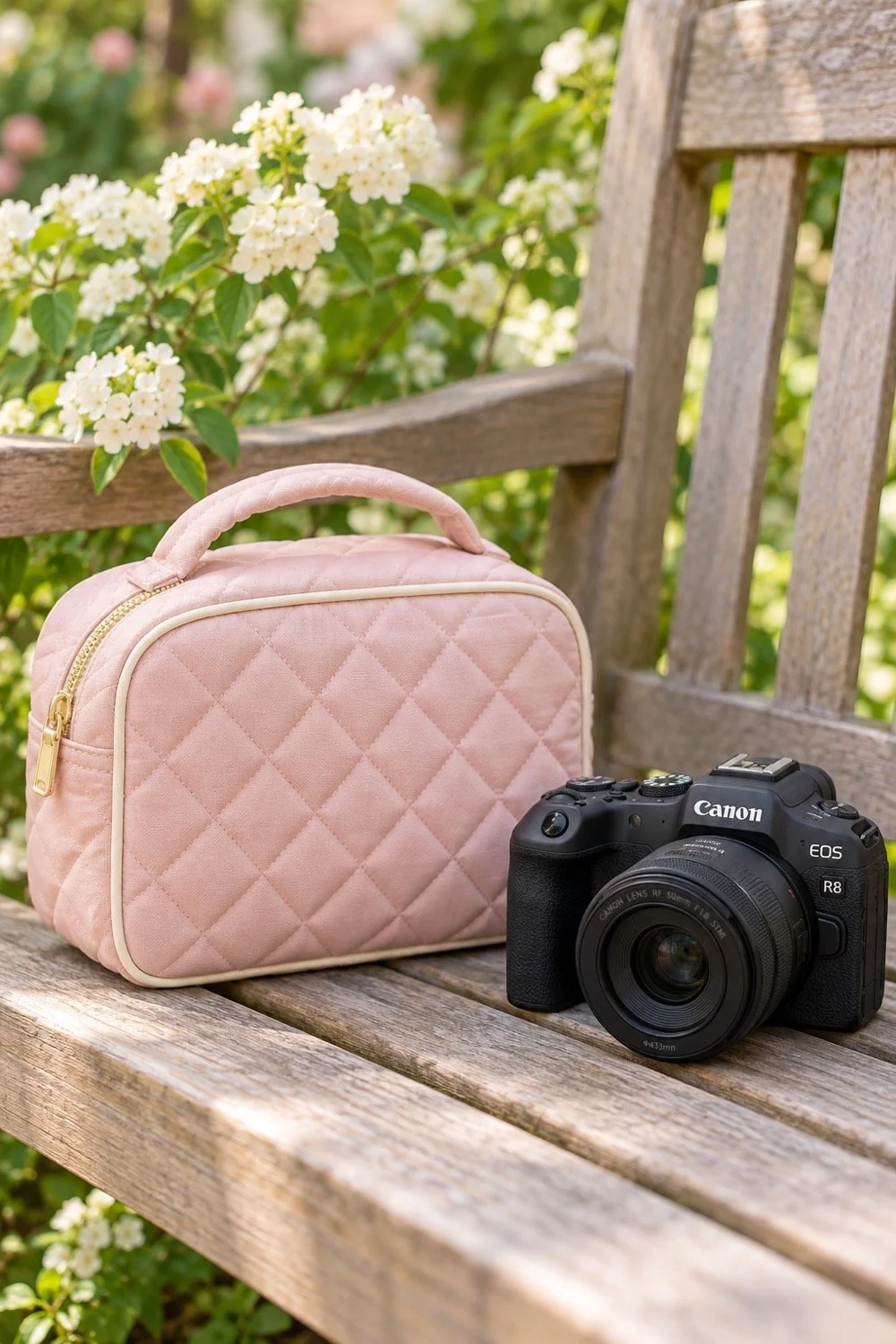
Choose a clear point of focus before you press the shutter. That might be the front edge of a mug, the center of a flower or the eye nearest the camera in a portrait. Look for the focus point on your screen or in the viewfinder.
Many cameras focus when you press the shutter halfway, though buttons can be set up in other ways. Canon's EOS R50 Auto-mode instructions show this step for that model. Read the focus section of your manual and try it with a still object. Check that the focus mark sits on that object when you take the picture.
If your camera has a touch screen, it may let you choose a point with a tap. Eye detection may also be available for people, depending on the model. Treat those as features to check on your camera, since the names and controls vary.
After the shot, enlarge the image in playback. Look at the spot you meant to make sharp. If a flower's stem looks crisp while its petals look soft, try choosing the petals more carefully. This small check tells you more than looking at the whole picture as a tiny preview.
Find light and a frame you like
Move around the subject and watch how the light falls across it. Near a window, one side of a plant may look brighter while the other has more shade. Turn the pot a little or move to another side, then compare the results.
Look at the background before you lift the camera again. You might want the edge of a bookshelf in the picture, or you might prefer a plain wall behind the plant. A small move to the left or right can change which objects line up with it.
Try a horizontal frame and a vertical frame. Leave room around the subject so you can compare the shapes. If you're photographing the flowers beside your journal, a wide view can include both. A closer picture can make one stem the main subject.
You can use something from these seasonal craft ideas for your dorm as a practice subject. A finished craft gives you color, texture and a few angles to try. Your camera practice can begin with something you already enjoy making.
Review a few photos and choose your next experiment
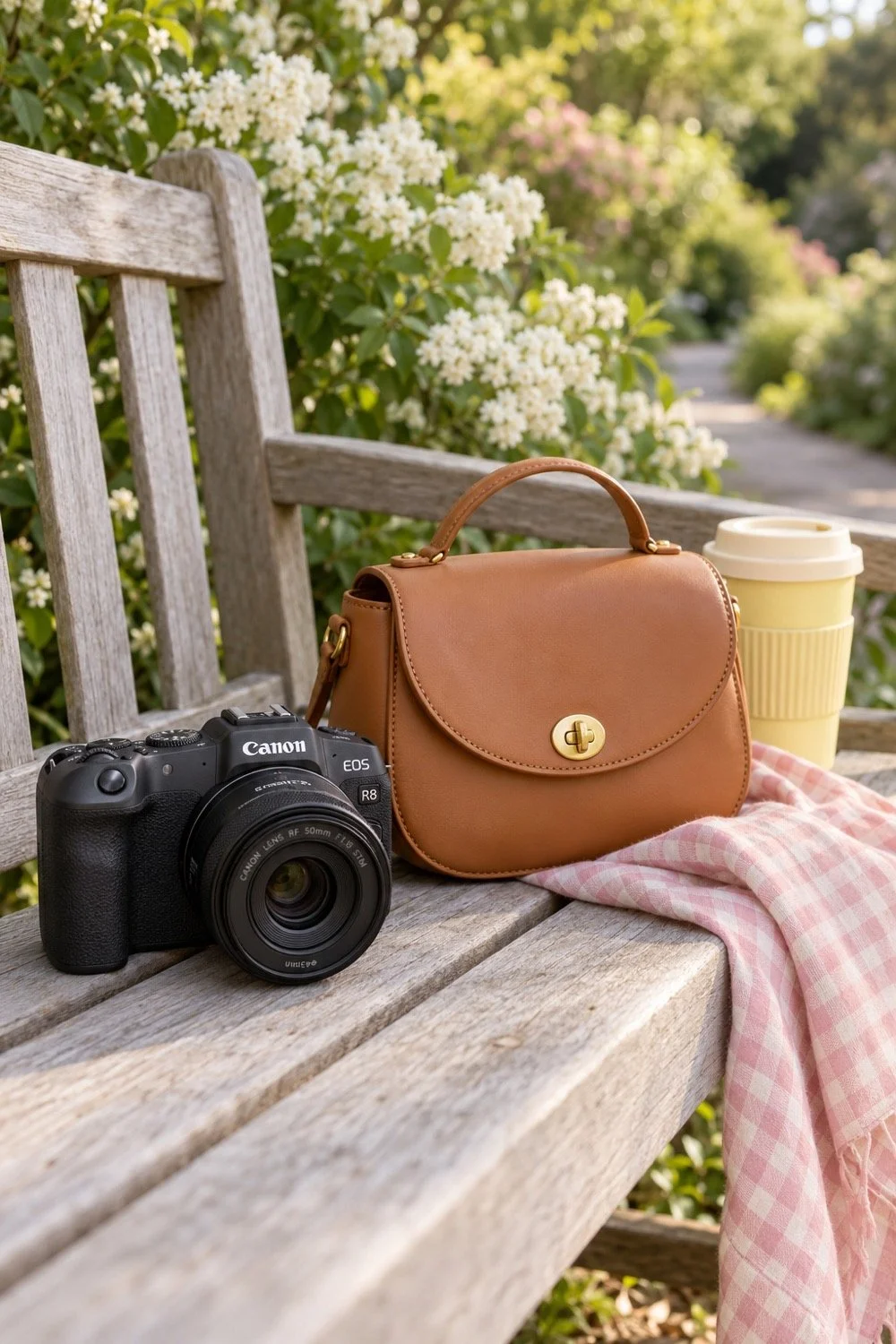
Compare a small set of photos while you can still remember what you changed. Pick the frame you like and name one reason for the choice. You might prefer its light, the space around the subject or the amount of the background you can see.
Open the image details in playback if your camera offers them. Look for the aperture, shutter speed and ISO. You can use those details to connect a setting with its result. If you enjoy keeping notes, this guide to finding things to write in a journal can help you keep a short record of what you tried.
Save the pictures somewhere you can find them before clearing the card. Check that your copy opens and keep another copy if the files matter to you. A folder named for the date and subject helps you find the set again.
For your next session, return to one subject and one setting. Try a different aperture beside the same window, or take the camera outside in Auto and work on framing. The plant has already done a fine job as your first model. It can stay for another round.
You Might Also Like
Plan a walk with a few photo stops
Choose a fall outing with friends
