
How to Plan When Several Assignments Are Due the Same Day
Several assignments can share a due date and still need different kinds of work. One needs sources. Another needs a draft. A third needs you to open the file and find out what the instructions say. Your plan can make room for each of them.
When you have multiple assignments due on the same day, start with the work left rather than the size of each title in your planner. Give every assignment a next step, put those steps into real time blocks, and keep a little room for checking and sending the files. The colorful pens can join you, but they don’t have to run the meeting.
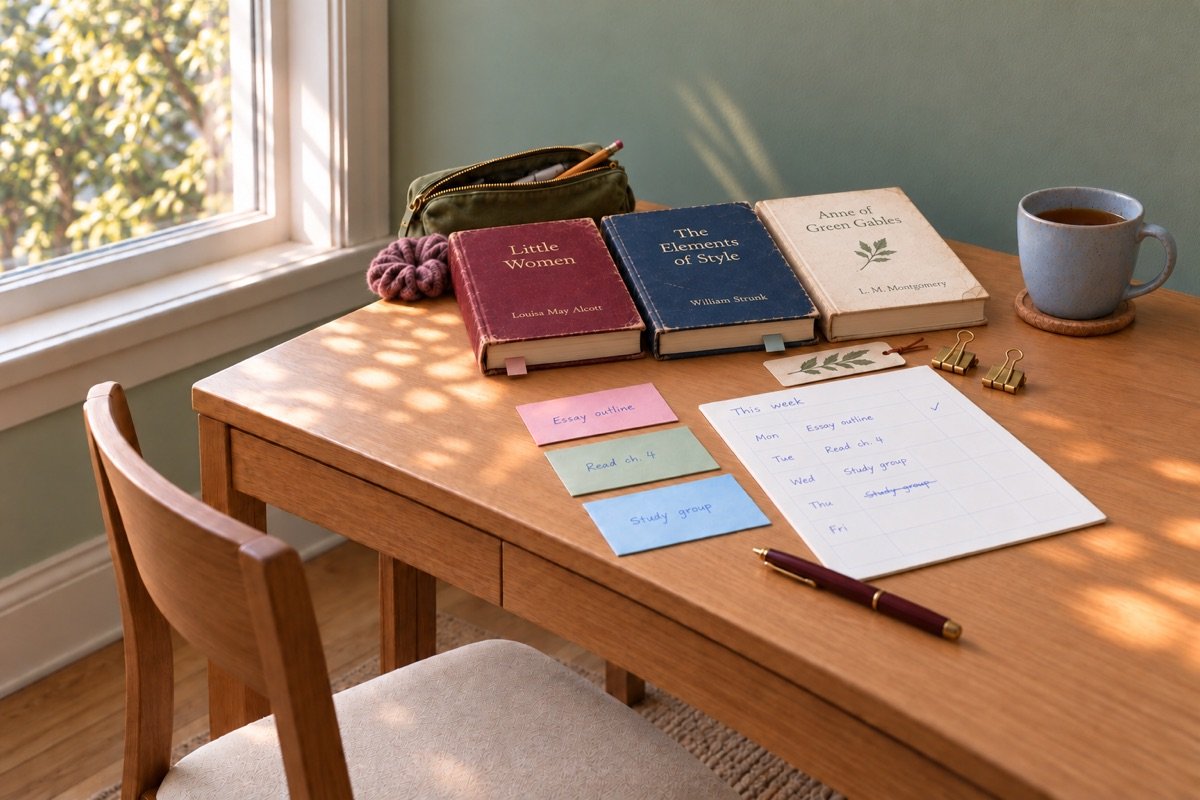
Put the shared deadline on one page
Write the name, date, time, and submission place for each assignment in one view. Check the class site for the latest instructions before you decide how much time you have.
“Due Friday” can mean the start of class, noon, or 11:59 p.m. Those are three different plans. Look for the time zone too, especially in an online class. Add any earlier step, such as getting a classmate’s feedback or showing a draft in a lab.
Keep the page small enough to read without scrolling through six apps. Paper, a note on your phone, or a plain document can all work. You’re making a work map for this group of assignments. You can return to your usual student weekly planning routine after you’ve placed the shared deadline.
Trent University’s guide to long-term assignment planning recommends looking for busy periods across your courses. Here, you’re zooming in on one of those periods and choosing what fits before the due time arrives.
Name what remains in each assignment
Describe the unfinished work with verbs you can act on. “History essay” is the name of the assignment. “Choose two sources” gives your next study block a job.
Open each assignment while you make this pass. Read the prompt, the grading guide, and any notes from your teacher. Then write the steps you still need. For a paper, that might mean finding sources, choosing a main point, writing sections, checking citations, and sending the file. A problem set may need practice on one method before you can finish it.
Mark anything that depends on another person or a resource. A group answer, library book, lab result, or teacher’s reply can change your order. Send a needed question early. While you wait, move to work you can complete yourself.
Give each step a rough time guess. Use a range when the task is new. You can update it after one block. A guess becomes useful when you check it against what happened, even if the first number was a bit hopeful.
Choose a starting point for multiple assignments due on the same day
Start with a task that matters to the assignment and needs room to develop. The due date alone can’t choose the order when all three dates match.
Consider the grading weight, the work left, and any steps that unlock other work. An outline may help you see which sources you still need. A first attempt at a problem can reveal a question to bring to office hours. Those steps earn an early place because they tell you what comes next.
The University of Sydney’s time-management guidance for students suggests weighing tasks by their importance and the time they may take. You can use that idea without building a scoring system for your homework. A short note beside each task is enough: “needs teacher input,” “half written,” or “large part of grade.”
Leave room for small fixed tasks too. If a quiz closes earlier than the paper, give it a slot before that closing time. Then come back to the larger piece. Your plan can hold more than one kind of priority.
Build a plan from the deadline backward
Place the final checks first, then work back toward today. That gives writing and solving time a clear edge.
Start with the actual submission time. Before it, leave a block to open the finished file, check the instructions, and send it. Before that, leave time for edits or corrections. Then place the work that makes those checks possible.
For an essay, your plan might name a draft block, a source-check block, and a final read. For a worksheet, it may name a solving block and a block to check the marked questions. These are sample task labels, so choose the ones your course requires.
Look at your classes, work shifts, travel, meals, and other fixed plans before you fill the gaps. A blank square on the calendar doesn’t always mean you can spend it at a desk. The guide to balancing a job with college work can help if paid work sets the shape of your week.
Put the plan on paper
The Semester Reset Kit gives your due dates a place beside the steps you need to take. It’s $12 and includes planning tools, worksheets, and examples.
Give each work block one finish line
Choose what you want to have at the end of a block before you start it. A finish line makes it clearer when to keep going and when to switch.
“Find a source that supports this point” is a clearer task than “research.” “Solve the first three problems and mark questions” gives a math block a useful edge. Keep the task tied to something you can see, read, check, or hand in.
Open the files and tools you need for that step. If you need a calculator, put it beside you. If you need one class reading, find it before you begin. Getting a study block ready can be a small act of kindness toward the person who has to do the block. That person is you, possibly after a long bus ride.
At the end, write a short handoff note for your next block. Name the part you finished and the next action. “Draft through paragraph three; check the date in source two” saves you a small search when you return. You don’t need a full diary of the session.
Keep each assignment moving
Give every assignment an early look, even when one project gets most of your work time. A quick check can show that a task is shorter, longer, or less clear than its title suggests.
After the first round, adjust your estimates. If a reading takes longer than expected, move a later block while there’s still room to do it. If one worksheet is done, use its remaining time for the task that now needs it most.
Keep the files and notes for each assignment together. One folder per assignment can hold the prompt, draft, source notes, and final file. Use names that let you tell the current draft from an older one. You want the file you send to be the file you meant to send.
Save a backup in the tool you already use. Check your school’s rules for storing course files, and keep other students’ work private. A plain folder that you understand is enough. This week doesn’t need a new app with a setup tour.
Ask for help while the request can still be useful
Ask a clear question as soon as you find a limit you can’t solve with a work block. That may mean checking a prompt with a teacher, booking support, or asking about the course’s extension process.
Name the assignment and the part you’re trying to understand. You can say that several deadlines fall close together, then explain the specific help you need. Keep an extension request honest and follow the written course policy. A request does not change a deadline until you receive approval.
If you need learning support or an agreed change for access, use your school’s support office and the steps it provides. You don’t have to put private health details into a group chat to explain your plan.
When help arrives, add the answer to the assignment’s folder and update your next step. Keep the original instructions too, so you can see what changed. Then use the next work block for the action the answer made possible.
Finish with a separate submission check
Open every final file before you send it. Check the file type, page or word limits, required name, and submission place against the assignment instructions.
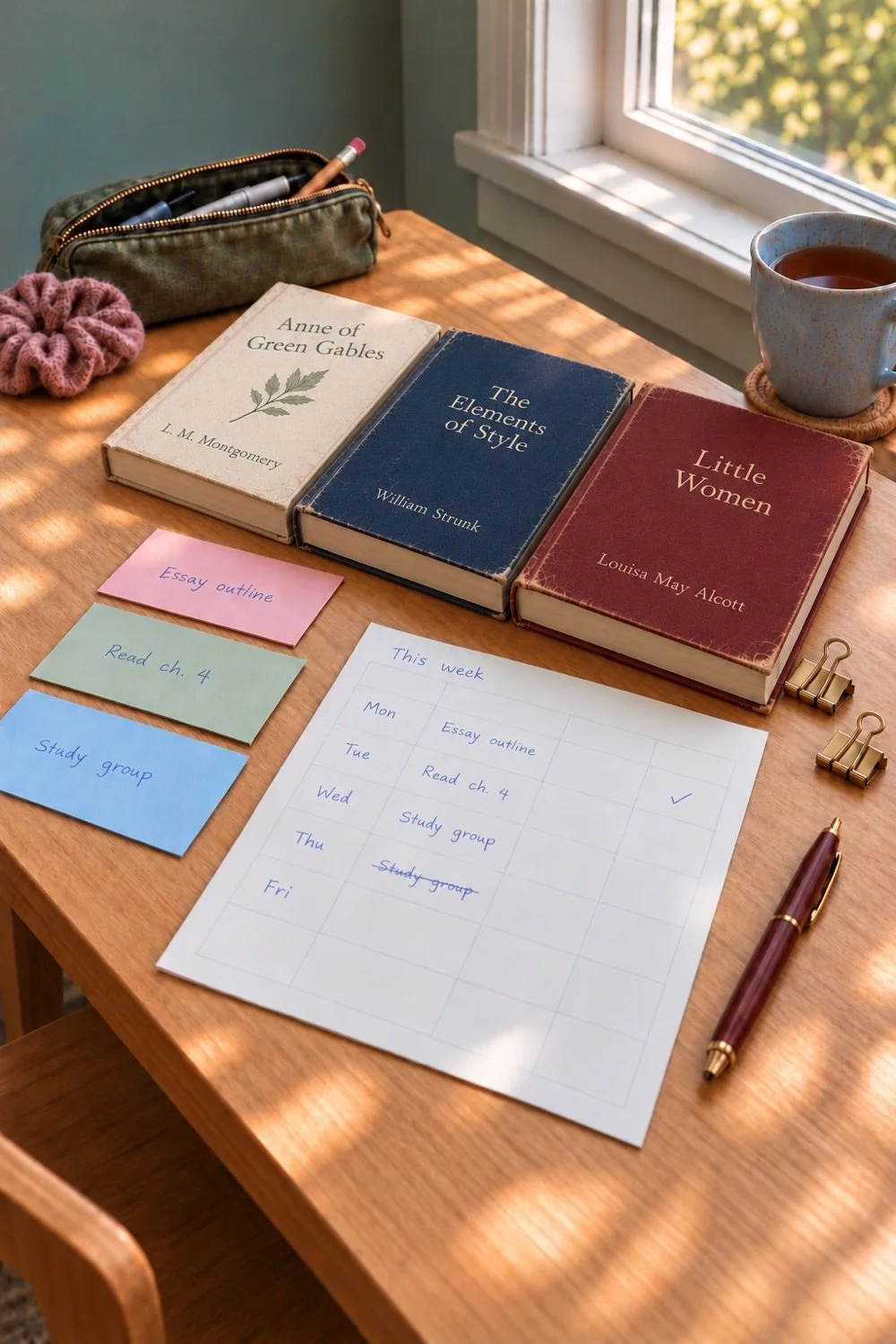
Read the title page or first lines, check that all pages are present, and make sure any required sources are included. If you export a PDF, open that PDF rather than assuming it matches the document you edited. Look at any table, diagram, or image that could have moved during export.
Send each assignment through the required route, then check for a receipt or saved confirmation. Keep that proof with the file. A checkmark in your planner is especially satisfying when the class site agrees with it.
Once everything is sent, close the extra tabs and save the work map. At your next short weekly planning check-in, note one estimate that was useful and one step you want to start earlier. Those two notes give the next shared-deadline week a better starting page.
You Might Also Like
How to Use a Planner in College
