
How to Photograph Fall Leaves With Your Phone
Choose one leaf, tap to focus on it, then check the light and the edges of your frame. That's a useful place to start when you're learning how to photograph fall leaves with your phone. A red maple leaf beside a path can give you plenty to work with, especially when its shape stands out from the trees behind it.
You can try this on a short walk near home, around campus or through a garden you're allowed to visit. Look for somewhere you can stop safely and take a few pictures without blocking the path. The goal is a small set with different views: one tree, one branch and one leaf. Fall has kindly supplied the colors. You get to decide where they go in the frame.
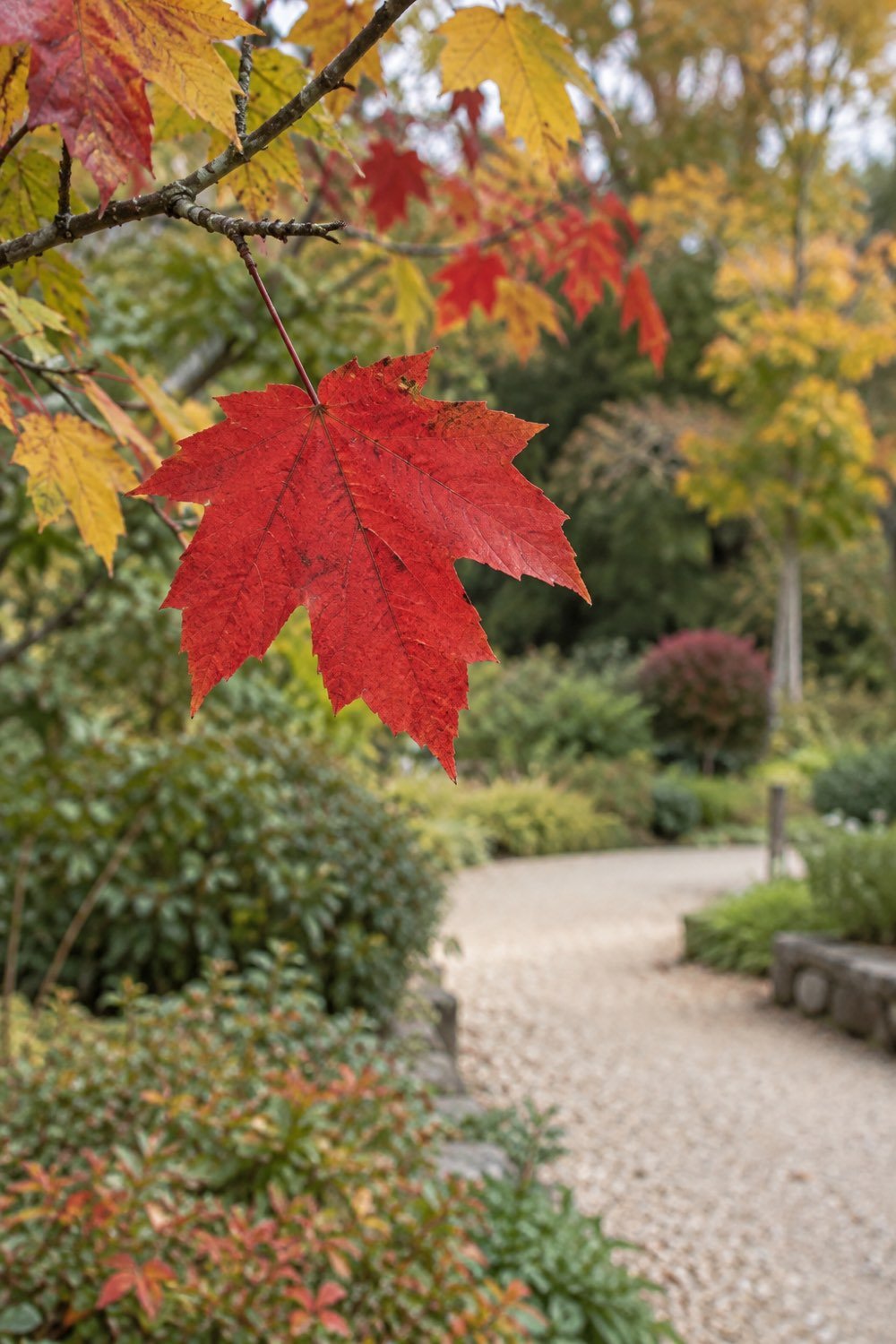
Start your fall leaf photos with one clear subject
Pick the leaf or patch of color you want someone to notice first. Give it enough room that its shape reads clearly on your phone screen. You might choose a red leaf against a dark hedge or a yellow branch beside a gray tree trunk.
Before you take the picture, look around that subject on the screen. Move a little to the side if a bright bin, sign or parked car pulls your eye away. A few inches can change what sits behind a leaf. Keep your feet on the path where the space calls for it, and use what you can reach from there.
For a branch with several leaves, decide whether you're showing the whole cluster or one leaf within it. Both can work. Try giving the cluster a little space around its edges, then move closer for a separate picture. That gives each view its own reason to be in your set.
A photo stop can fit into these ideas for a quiet fall afternoon walk. Choose a route with space to pause and a few trees you can see from the path. You don't need to turn the whole afternoon into a hunt for the brightest tree in town.
Use soft light to see the leaf's color
Soft light helps you see color and small details across a leaf. Try an overcast day or a patch of open shade where the leaf is lit evenly. You can start whenever you have time and choose your subject based on the light you find.
Look at the leaf from two sides before you settle on a frame. One side may show its color clearly, while the other catches a bright reflection. With the phone lowered, move around it safely and watch what changes. This is a useful way to learn about light while staying with one subject.
Low sunlight is another option. Canon's fall foliage photography guide describes the warm light around the start and end of the day. If the sun is shining through leaves, try a side angle that keeps it outside your frame. See whether the lit edges add something you like.
Keep checking the brightest part of the picture. A glowing yellow leaf can lose its fine lines when it turns very bright on the screen. Change your angle or try the phone's brightness control before taking another shot. The best choice is the one that keeps the detail you want to show.
Tap the leaf to set focus and check brightness
Tap your main leaf on the camera screen so the phone knows where you want focus. Pause, check the preview, then take the picture while you hold the phone steady. Start in the regular Photo mode so you can see what the camera does with the scene.
On iPhone, you can tap the subject and adjust exposure beside the focus area. Exposure changes how bright the picture looks. Apple's guide to camera focus and exposure shows those controls, including focus and exposure lock. The buttons and choices on other phones can differ, so check your model's guide for the matching steps.
Take a picture at the phone's first brightness choice. Then make a small change if the leaf looks too pale or too dark. Compare the two in your photo library. Look at the color and the veins in the leaf, as well as the background. You can decide which version shows the subject more clearly.
If the branch moves in the breeze, wait for a still moment. Keep both hands around the phone and use a gentle tap on the shutter. Take a few separate frames and check them before you leave that spot. The leaf can have its little windy moment; you can wait for the next pause.
Move back when a close leaf looks soft
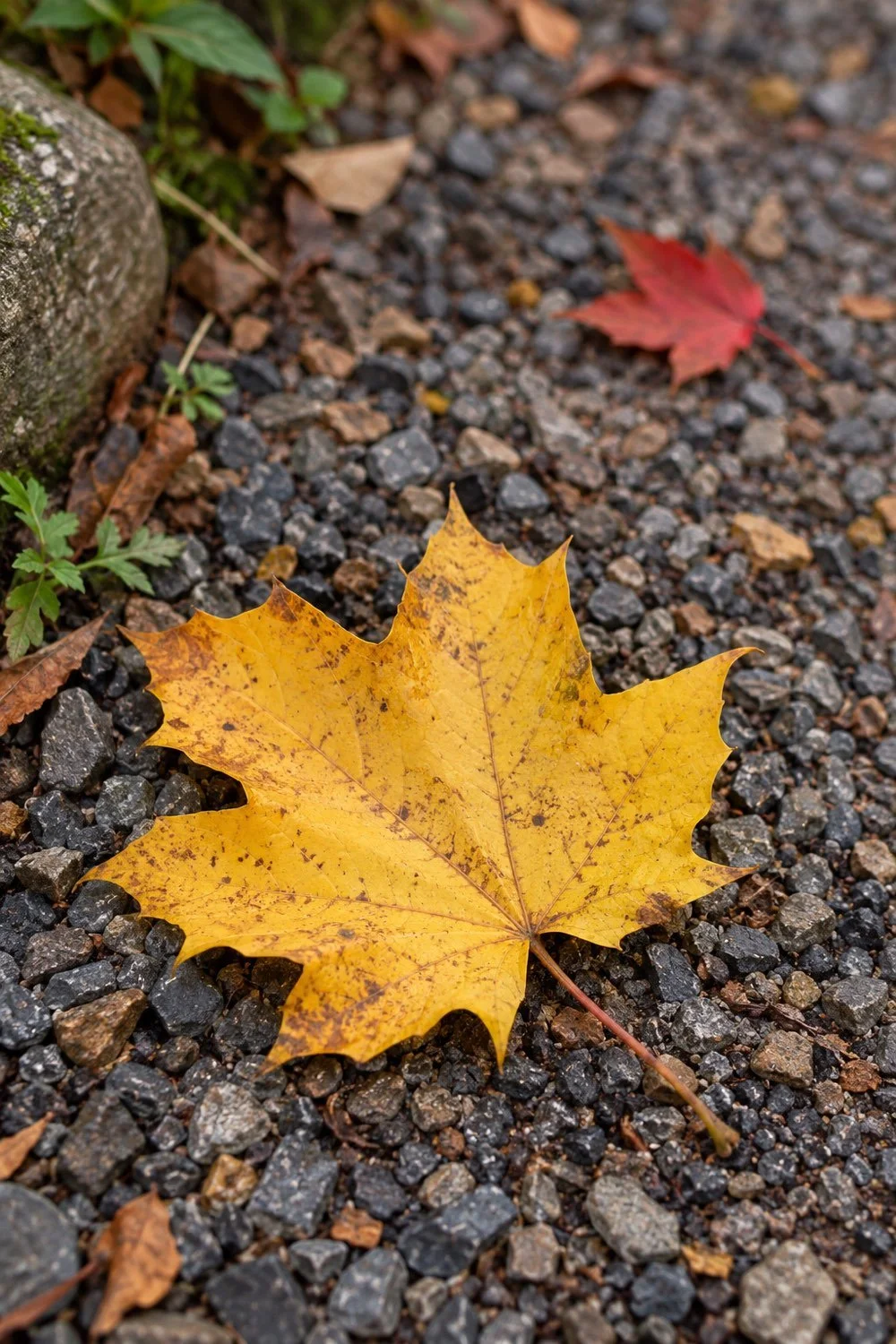
Give the phone a little more space if it can't focus on a close leaf. Move back slowly, tap the leaf again and check whether its edges become clear. Each camera has a limit to how close it can focus, and that distance varies by phone and lens.
Start with the phone's regular camera view. If your model has a macro mode for close details, check its official guide before using it. Apple explains macro photos on supported iPhone models. It's a feature some phones offer, rather than something you need to buy for this walk.
A larger, clear picture gives you room for a modest crop later. Take the full leaf with space around its points, then see whether you want to trim an edge in your photo app. Keep the original file so you can return to the wider view.
For a fallen leaf, lower the phone while keeping a secure grip. You can photograph its shape from above or come closer to ground level for a side view. Stay aware of wet ground, bicycles and other people using the path. A reachable leaf beside your feet is a good subject for this experiment.
Take a wide view, a branch view and a detail
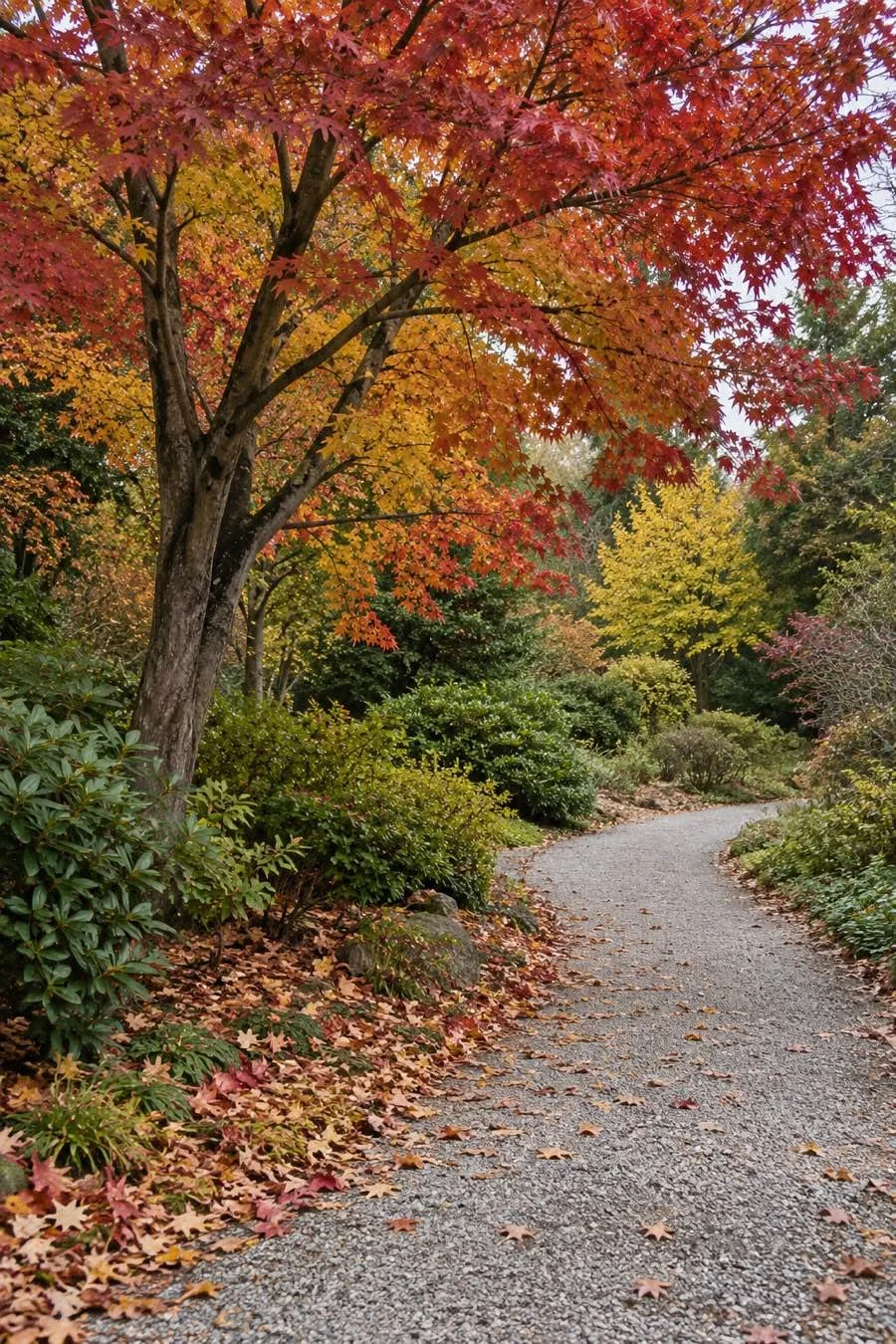
Make three different pictures of the same small area: the setting, a branch and a close leaf. Changing the scale gives you a set that shows both the place and the details you noticed there.
For the wide view, include enough of the tree to show its shape. Look for the trunk, the spread of the branches and a little ground below it. A path can lead into the picture, or a quiet patch of sky can give the leaves space. Try a vertical frame if the tree stretches up through the scene.
For the branch view, step toward a section with colors you like. Turn the phone slightly and watch the spaces between the leaves. Leave some of those gaps open so the shapes stay clear. A yellow branch against deep green can be especially pretty here.
For the detail, focus on a leaf's outline, its stem or the place where red meets yellow. Keep that choice clear in the frame. If you're with a friend, the guide to taking pictures during a friend walk covers a different kind of subject. You can make a leaf set together, then take a few people pictures with permission.
Change your angle before using more zoom
Try a new standing position before reaching for the zoom control. A side step can line a red leaf up with a dark patch of background, while a lower view can show more of its shape against the sky.
Look up from the phone before you move. Stay within the public space or the area you've been allowed to use. Leave branches attached and keep planted beds as you found them. A close picture can come from a leaf near the path, including one that has already fallen.
Turn the phone sideways for one frame, then upright for another. Keep the main subject in a similar place and compare how much background each version includes. For a phone wallpaper, you might like room above the leaf. For a little photo print, the closer frame may be your favorite.
Check the corners too. A bright patch at the edge can be part of the picture, or you may prefer to leave it out. Move the frame a little and take another version. Tiny changes are worth trying while you're standing in the same spot.
Compare your pictures and keep the colors believable
Choose your favorites by looking at focus, light and framing before you edit. Open a few photos at a useful size and compare the part you meant to make sharp. You might keep the wide view for the tree's shape and the close view for its color.
If you edit, begin with one small change and compare it with the original. You could straighten a leaning frame or trim an edge that pulls attention away. Watch the leaf as you adjust brightness or color. A red leaf can stay red without every brown twig joining in.
If you want to try presets on your phone photos, explore Jordan Brittley's mobile presets for Lightroom.
Save a version you like and leave the original available. You can also make a small album for the walk so the three views stay together. Pick a clear name, such as the month and place, using only as much location detail as you want to share.
If you enjoy keeping notes, you can add a few lines about the light or angle you liked. These ideas for keeping a journal you enjoy using give you room for that kind of record. One sentence beside a favorite photo can be enough: yellow leaf, cloudy afternoon, phone held low.
Return to the same tree another day if it's nearby. The leaves, light and ground cover may have changed. Keep the earlier photos so you can see the two visits side by side. A few leaves on one ordinary path can give you a whole little fall collection.
You Might Also Like
Plan an apple-picking day with friends
Find fall friend dates for a student budget
